Update tutorial
How to get a newer version of the Floatplane plugin. Three ways, from least to most manual. All of them keep your settings (the configuration file is separate from the plugin folder).
Automatic (default)
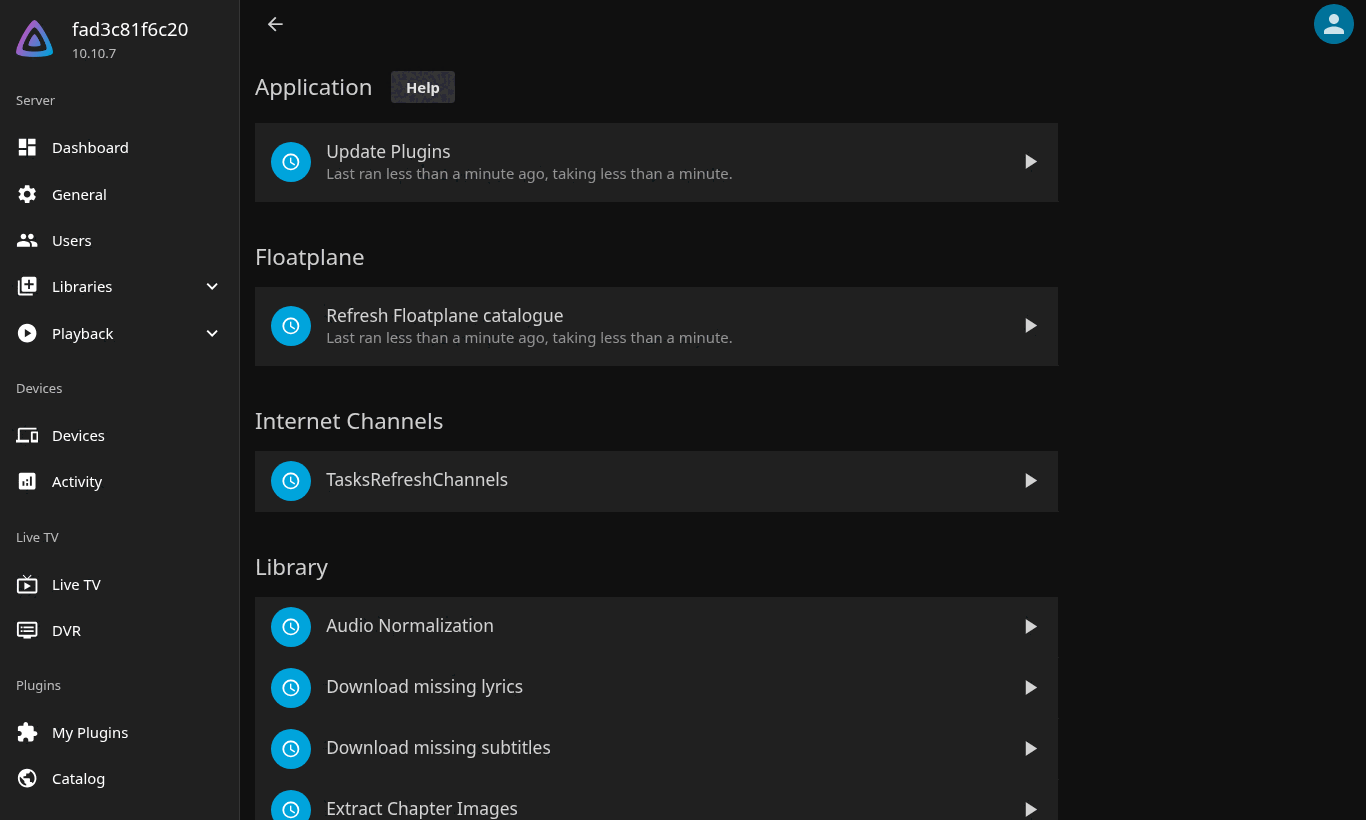
Jellyfin's scheduled task Update Plugins runs every night and installs newer
versions of plugins that come from a configured repository — the Floatplane plugin
ships with autoUpdate enabled. After an automatic update the plugin shows
Status Restart in My Plugins until Jellyfin is restarted, so in practice: when
you notice "Restart", restart the server.
You can run the task by hand under Dashboard → Scheduled Tasks → Update Plugins (the ▶ button).
Through the catalogue (manual, with screenshots)
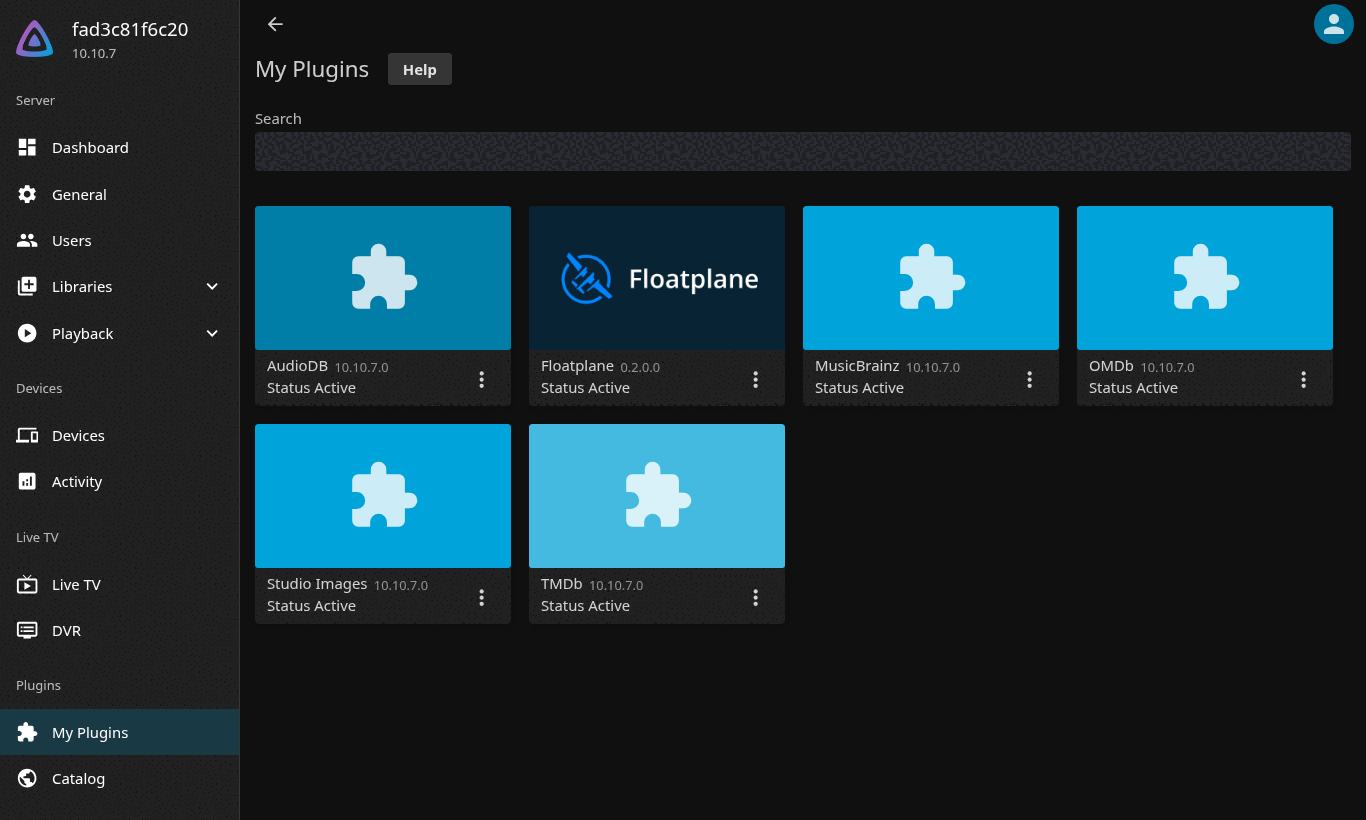
My Plugins shows the installed version — here 0.2.0.0.
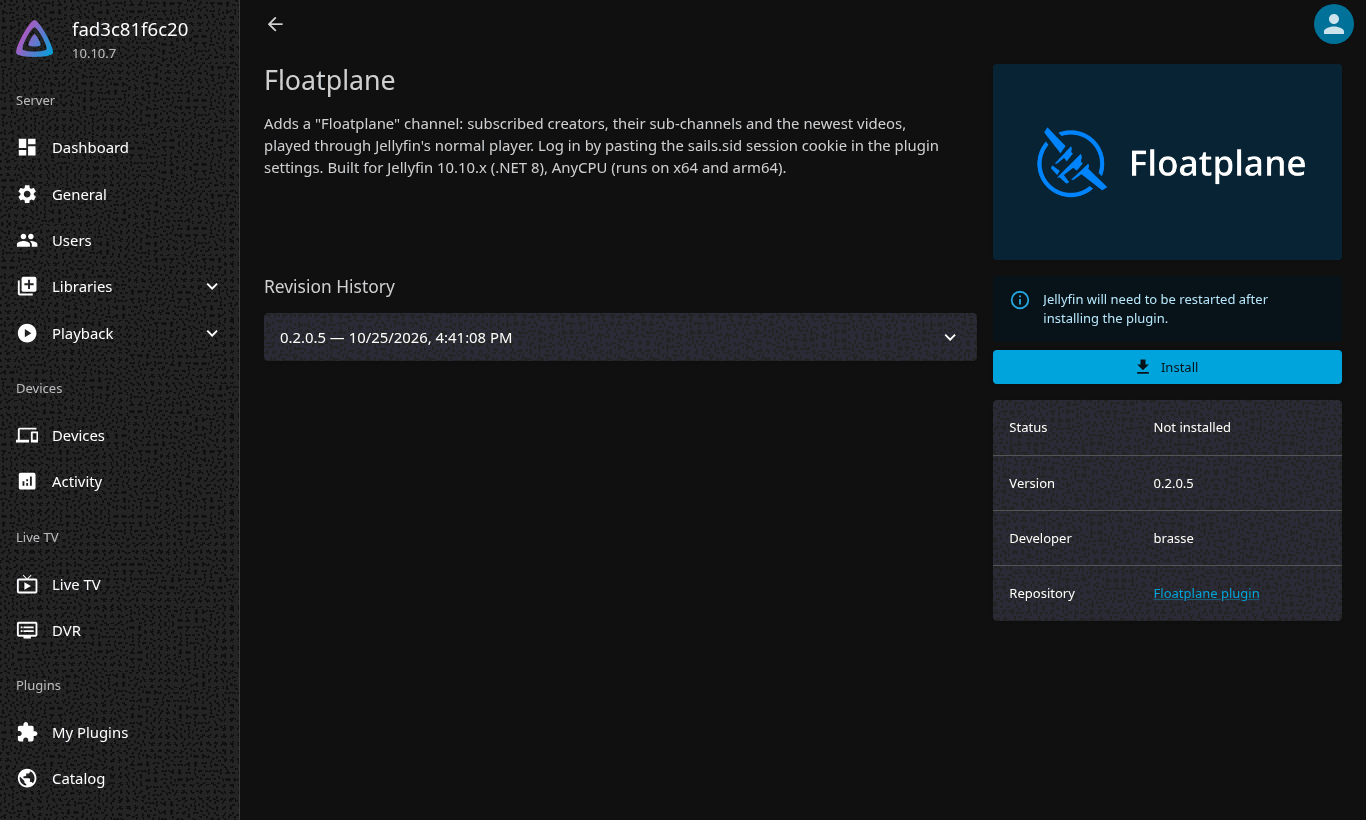
Open Dashboard → Plugins → Catalog, scroll to Channels and click the Floatplane card. The plugin page lists the newest revision from the repository. If it is newer than what My Plugins shows, press Install.
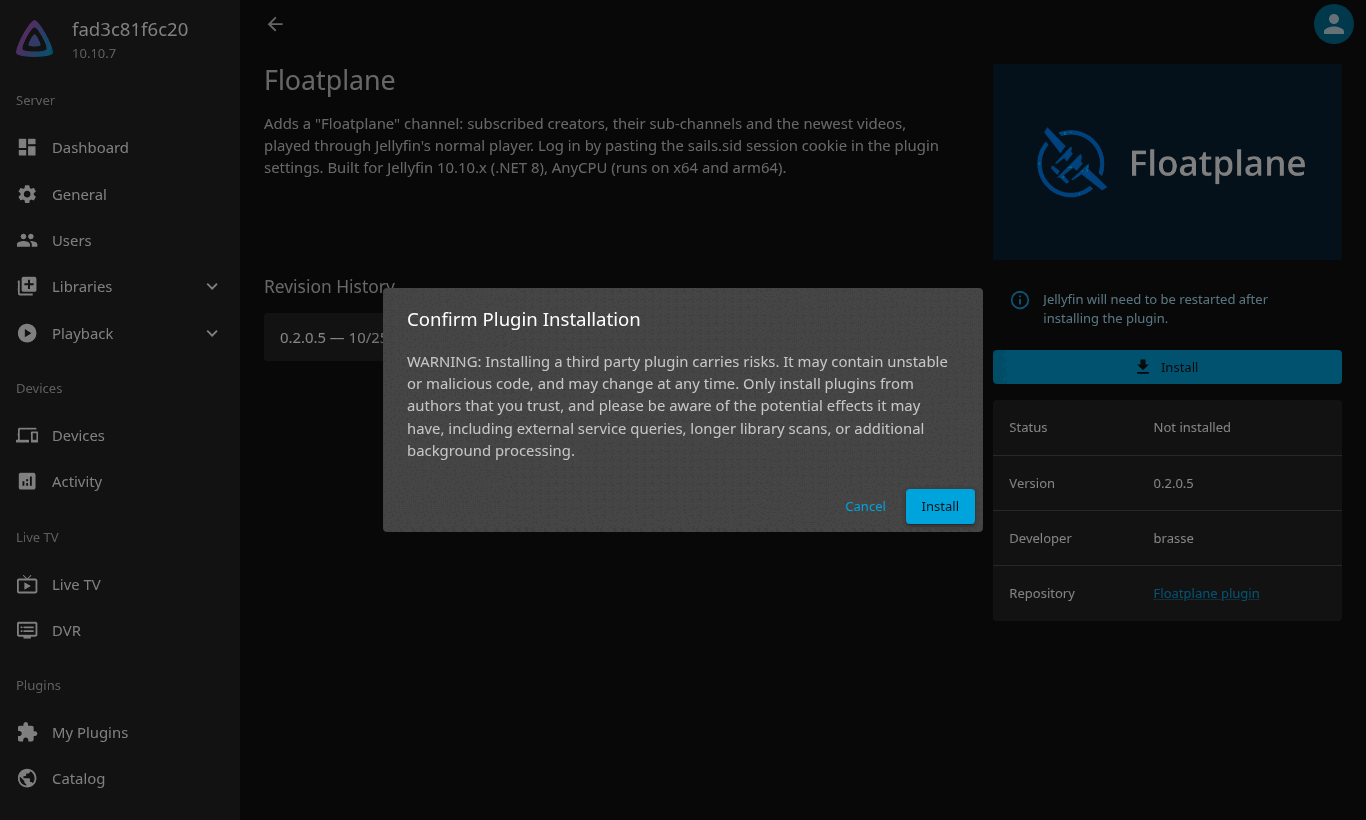
Confirm the warning.
My Plugins now shows both versions: the new one with Status Restart, the old one as Superceded.
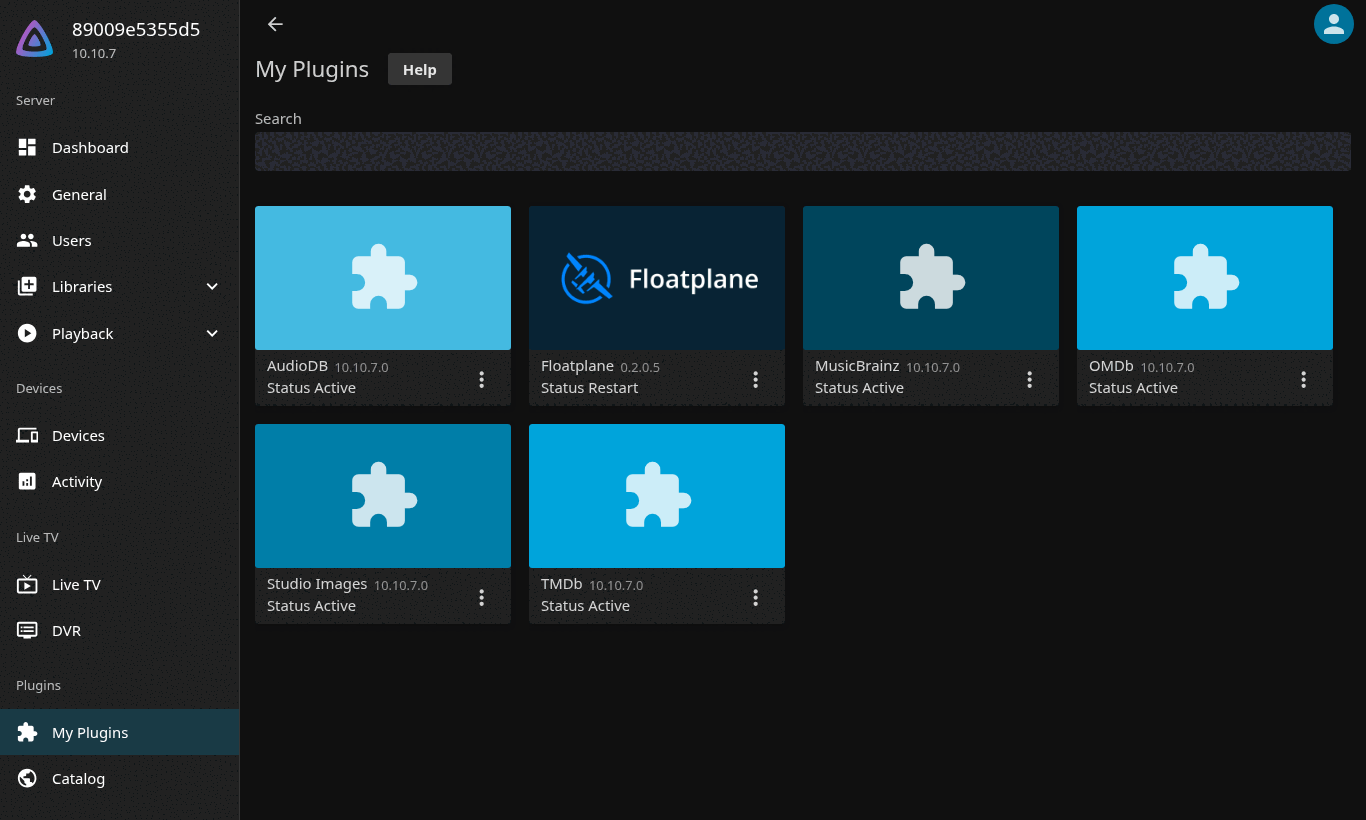
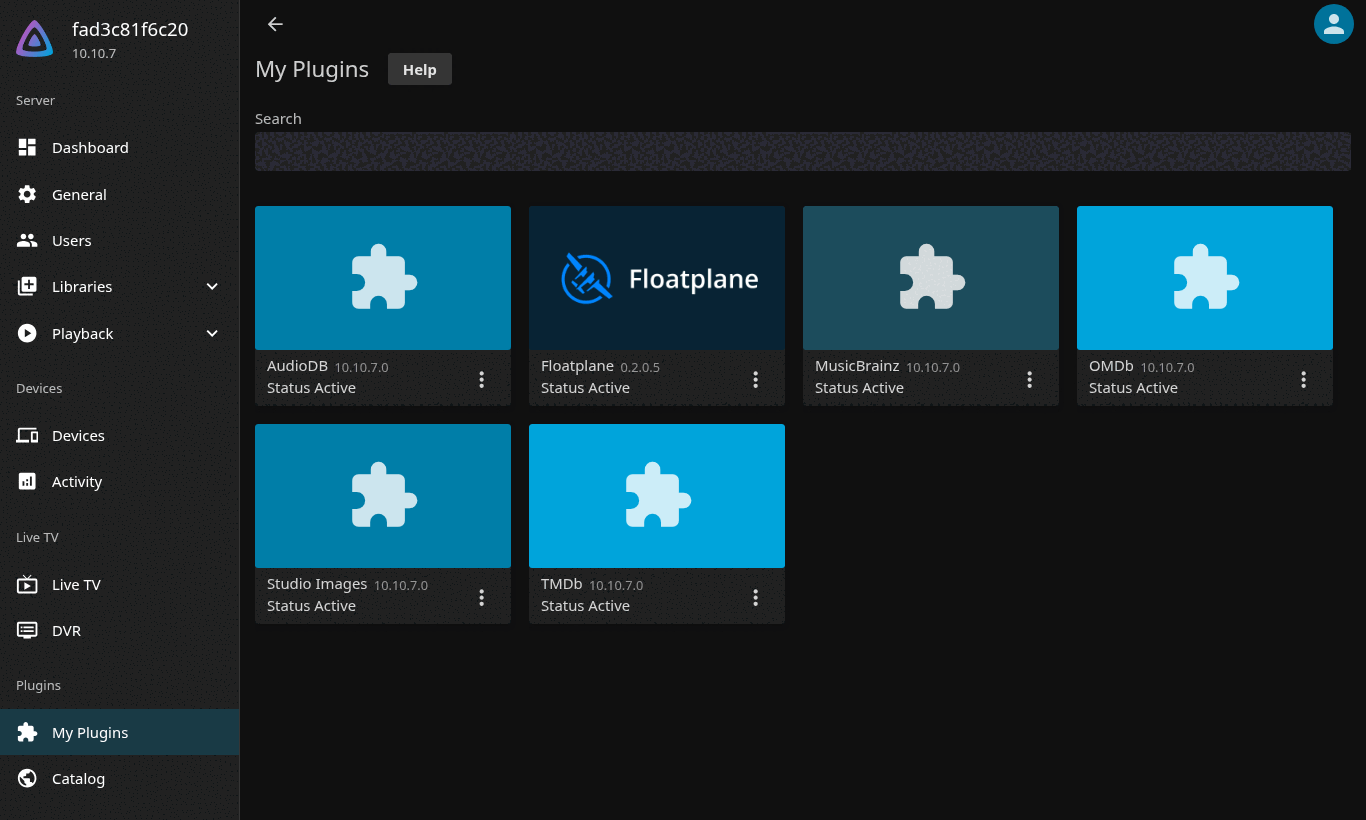
Restart Jellyfin (Dashboard → Restart, or docker restart jellyfin). After the
restart the new version is Active; the old folder can be removed from the card's
⋮ menu → Uninstall (optional — Jellyfin ignores superseded versions).
With the install script (Docker / native hosts)
The script downloads the newest release, verifies the checksum, replaces the plugin
folder and restarts Jellyfin. Run it on the host (with sudo if the plugin directory
needs it); --dry-run only prints what it would do.
curl -fsSL https://gitea.brasse-pc.eu/brasse/jellyfin-plugin-floatplane/releases/download/latest/install.sh | sh -s -- --dry-run
curl -fsSL https://gitea.brasse-pc.eu/brasse/jellyfin-plugin-floatplane/releases/download/latest/install.sh | sh
Example dry-run output:
fetching https://gitea.brasse-pc.eu/brasse/jellyfin-plugin-floatplane/releases/download/latest/manifest.json

Floatplane plugin 0.2.0.5 (release latest, targetAbi 10.10.0.0)
  package:   https://gitea.brasse-pc.eu/brasse/jellyfin-plugin-floatplane/releases/download/latest/floatplane_0.2.0.5.zip
  md5:       058be08769108ec4769465c57802c1eb
  install:   /srv/docker/jellyfin/data/plugins/Floatplane_0.2.0.5/
  remove:    /srv/docker/jellyfin/data/plugins/Floatplane_0.2.0.0
  owner:     1000:1000
  restart:   docker restart jellyfin

dry run - nothing changed.
Variables: TAG (default latest, or vX.Y.Z), JELLYFIN_CONTAINER (default
jellyfin; empty = native install), JELLYFIN_CONFIG_DIR (host path of the container's
/config; read from docker inspect when omitted), PLUGINS_DIR (override the
detected plugin directory), PUID/PGID.
Which version is installed?
My Plugins shows the version under the plugin name, and the top of the plugin's
settings page says Plugin x.y.z.n. Releases are listed at
https://gitea.brasse-pc.eu/brasse/jellyfin-plugin-floatplane/releases — latest always
carries the newest build from master, vX.Y.Z tags are versioned releases.
See also: Install tutorial · Home